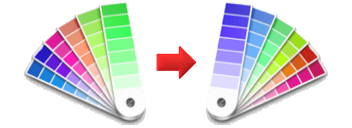
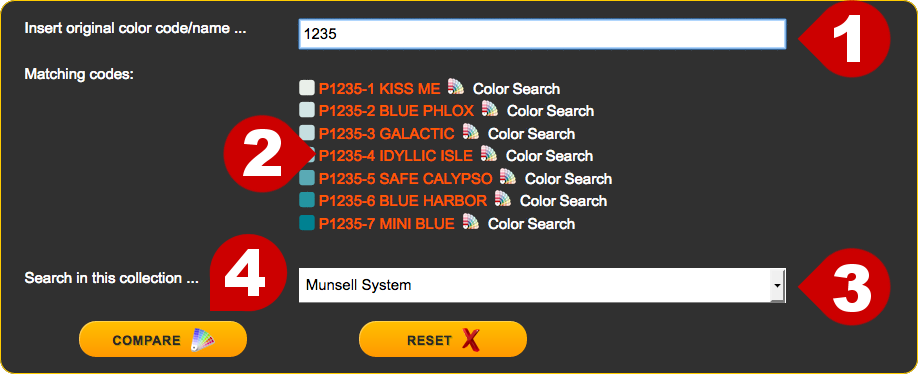
Insert your original color name or code in the upper entry field. You can insert the full code or name or just a part of it. For example inserting "GREEN" into this field will force the tool to search for all color codes or names containing the word "GREEN". The same if the code has numbers, insert the code sequence you have and the tool will extract all the codes containing such numeric sequence.
Select from the lower list the collection where to compare for similar colors.
If you would like to search across the whole database select the "All collections" option from the list. This mode will require a little extra time as it will check hundreds of thousand of stored color codes.
Comparison can be performed on specific collections and also on a whole brand (All collections).
Press the button to locate the most similar colors in the target collection or brand.
If the tool could not locate your original color code or name it will flag the entry field with a red icon ().
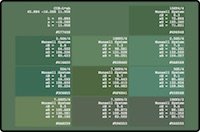
As a result a large color swatch containing the original and the similar colors will be displayed. The main swatch background and upper-left part will contain the original color followed by the most similar tints. Each color swatch will be clearly identified by the corresponding sRGB values, ΔE, code/name and reference to the collections it belongs.
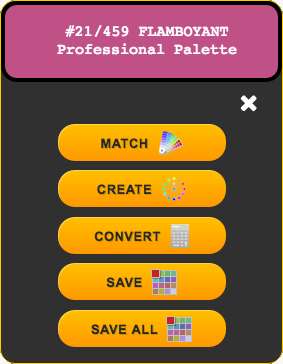
Clicking on any of the color swatches will open the "options" dialog, where additional choices are available for the selected color: